Products & Environments
Register applications, configure environments, and manage endpoints in TINAA MSP.
Products and Environments
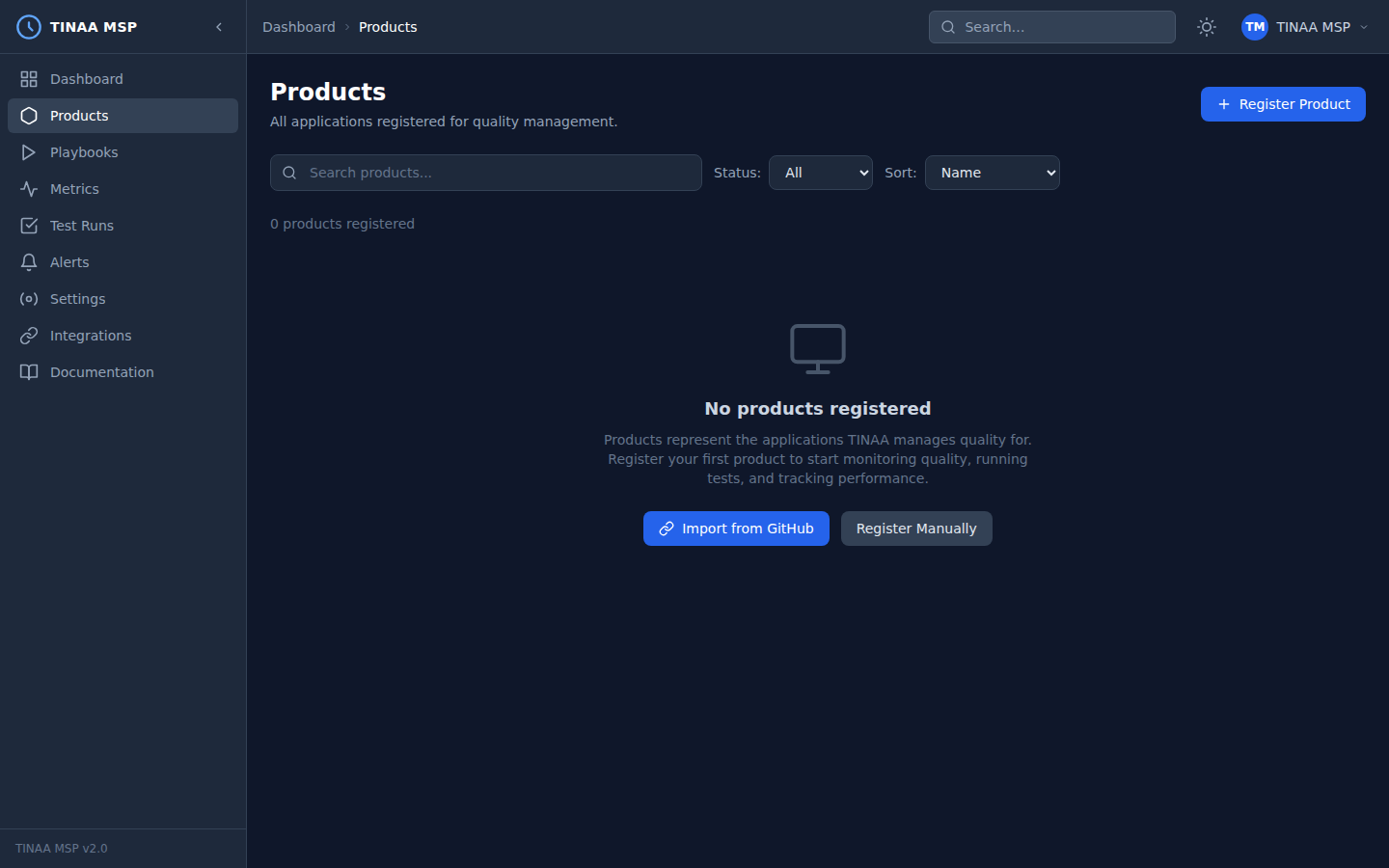
A product in TINAA MSP is the top-level entity that represents one application — a web app, API service, marketing site, or anything else you want to monitor and test continuously. Everything in TINAA (playbooks, quality scores, alerts, APM metrics) belongs to a product.
What Is a Product?
Products are the unit of ownership in TINAA. When you register a product you tell TINAA:
- What the application is called
- Where to find the source code (repository URL)
- Which environments to monitor (production, staging, preview, etc.)
TINAA uses this information to:
- Run synthetic availability checks against every environment
- Generate baseline performance metrics
- Suggest test playbooks based on codebase analysis
- Report a quality score per environment and aggregated across all environments
Registering a Product
Via the Dashboard (UI)
- Navigate to Settings > Products in the left sidebar
- Click Register Product (or the + button)
- Fill in the form:
- Name — human-readable name, e.g.
Checkout Service - Repository URL —
https://github.com/myorg/checkout-service - Description — optional, used in reports and notifications
- Name — human-readable name, e.g.
- Add at least one environment (see Adding Environments)
- Click Save Product
TINAA slugifies the product name automatically (checkout-service) and uses the slug in API paths and MCP tool calls.
Via the REST API
1
2
3
4
5
6
7
8
9
10
11
12
13
POST /api/v1/products
Content-Type: application/json
X-API-Key: <your-api-key>

{
  "name": "Checkout Service",
  "repository_url": "https://github.com/myorg/checkout-service",
  "description": "Handles cart, payment, and order confirmation flows",
  "environments": {
    "production": "https://checkout.myapp.com",
    "staging": "https://checkout-staging.myapp.com"
  }
}
Response:
1
2
3
4
5
6
7
8
9
10
11
{
  "id": "3f8a1b2c-...",
  "name": "Checkout Service",
  "slug": "checkout-service",
  "repository_url": "https://github.com/myorg/checkout-service",
  "description": "Handles cart, payment, and order confirmation flows",
  "quality_score": null,
  "status": "active",
  "environments": [],
  "created_at": "2026-03-23T10:00:00Z"
}
The quality_score is null until the first test run or synthetic check completes.
Via MCP (Claude Code / Claude Desktop)
1
2
3
4
5
6
7
8
9
register_product(
  name="Checkout Service",
  repo_url="https://github.com/myorg/checkout-service",
  environments={
    "production": "https://checkout.myapp.com",
    "staging": "https://checkout-staging.myapp.com"
  },
  description="Handles cart, payment, and order confirmation flows"
)
See the MCP Integration guide for full setup instructions.
Environments
An environment is a named deployment target associated with a product. Each environment has its own base URL, monitoring configuration, and quality scores tracked independently.
Standard Environment Types
| Type | Typical URL pattern | Monitoring frequency |
|---|---|---|
production |
https://www.myapp.com |
Every 5 minutes |
staging |
https://staging.myapp.com |
Every 15 minutes |
preview |
https://pr-123.preview.myapp.com |
On demand / per deployment |
development |
http://localhost:3000 |
Manual only |
Adding Environments via the Dashboard
- Open the product detail page
- Click the Environments tab
- Click Add Environment
- Fill in:
- Name — e.g.
staging - Base URL — full URL including scheme, e.g.
https://staging.myapp.com - Type — select from
production,staging,preview - Monitoring interval — how often TINAA runs synthetic checks (default: 300 seconds)
- Name — e.g.
- Click Save
Adding Environments via the REST API
1
2
3
4
5
6
7
8
9
10
POST /api/v1/products/{product_id}/environments
Content-Type: application/json
X-API-Key: <your-api-key>

{
  "name": "staging",
  "base_url": "https://staging.myapp.com",
  "env_type": "staging",
  "monitoring_interval_seconds": 300
}
Endpoints Within Environments
Endpoints are the individual URLs and API routes that TINAA monitors and tests within an environment. Endpoints are auto-discovered from your repository via codebase exploration, or can be registered manually.
Registering Endpoints Manually
1
2
3
4
5
6
7
8
9
10
11
POST /api/v1/products/{product_id}/environments/{environment_id}/endpoints
Content-Type: application/json
X-API-Key: <your-api-key>

{
  "path": "/checkout",
  "method": "GET",
  "endpoint_type": "page",
  "performance_budget_ms": 2000,
  "expected_status_code": 200
}
Endpoint Types
| Type | Description | Monitored for |
|---|---|---|
page |
Full HTML page | Web Vitals, accessibility, response time |
api |
JSON API endpoint | Response time, status codes, error rate |
asset |
Static asset (JS, CSS, images) | Response time, cache headers |
Auto-Discovery via Codebase Exploration
When you provide a repository_url during product registration, TINAA scans the codebase to discover:
- Express/FastAPI/Django/Rails routes
- HTML anchor
hrefvalues - API endpoint definitions
Trigger codebase exploration manually from the product settings page or via MCP:
1
explore_codebase(product_id_or_slug="checkout-service")
Auto-Discovery of Preview URLs
TINAA watches GitHub Deployment events to automatically create preview environments for pull requests deployed to services like Vercel, Netlify, and Render.
When GitHub sends a deployment_status webhook with state: success, TINAA:
- Extracts the deployment URL from the webhook payload
- Creates a temporary
previewenvironment scoped to the PR - Runs the product’s smoke test suite against the preview URL
- Posts the results as a GitHub Check Run on the PR
Preview environments are automatically archived when the PR is merged or closed.
Requirements:
- GitHub integration configured (see GitHub Integration)
- Deployment events enabled in your deployment platform’s GitHub integration
- TINAA webhook URL registered in your GitHub App or repository settings
Product Status
Each product has a status field that controls whether TINAA actively monitors it.
| Status | Description | Effect |
|---|---|---|
active |
Normal operation | Synthetic checks run, alerts fire, quality scores update |
paused |
Temporarily suspended | No synthetic checks, no alerts, last score preserved |
archived |
Permanently retired | Hidden from dashboard, data retained for 90 days |
Changing Status
Via the dashboard: open the product detail page and use the Status dropdown in the header.
Via the API:
1
2
3
4
5
6
7
PATCH /api/v1/products/{product_id}
Content-Type: application/json
X-API-Key: <your-api-key>

{
  "status": "paused"
}
Listing and Filtering Products
1
2
3
4
5
6
7
8
# List all active products
GET /api/v1/products?status=active

# List all products (all statuses)
GET /api/v1/products

# Get a single product by slug
GET /api/v1/products/checkout-service
Example response:
1
2
3
4
5
6
7
8
9
10
11
12
13
14
{
  "products": [
    {
      "id": "3f8a1b2c-...",
      "name": "Checkout Service",
      "slug": "checkout-service",
      "quality_score": 87.4,
      "status": "active",
      "environment_count": 2,
      "last_run_at": "2026-03-23T09:45:00Z"
    }
  ],
  "total": 1
}
Next Steps
- Test Playbooks — define and run automated tests against your products
- Quality Scores — understand how the score is computed per product
- Alerts — get notified when quality drops or endpoints go down
- GitHub Integration — link deployments and PRs to quality gate results